
FIELD
From photo to scope in minutes.
FIELD gives inspectors and contractors AI-powered scoping from field photos. Capture on the iPhone app, get findings and a line-item scope — all before you leave the job site.
Free 14-day trial · No credit card required · Cancel anytime
Who it's for
Built for field professionals getting started.
Key features
Full capture stack
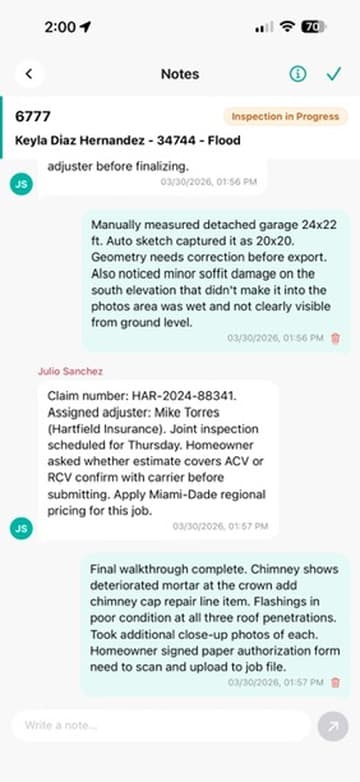
High-volume photo capture, 5-min video, manual photo & voice notes, photo markup, multi-photo upload. Near-real-time sync to the web dashboard as you shoot.
AI Scope Generation™
Upload your photos and the AI produces a complete line-item scope — unlimited items. Edit, add, or remove any line. Flat base pricing (national avg) included.
Interior geometry from LiDAR
Interior LiDAR / RoomPlan scans produce 2D floor plans, 3D USDZ models, and per-area dimensions — walls, doors, windows, and derived quantities.
Workflow
How it works
Capture the property
Walk the job site with the Estimatics iPhone app. Every photo is auto-tagged by area and syncs to the web dashboard via SyncEngine V3.
AI generates your scope
The AI reads every photo into damage findings you confirm. Flag the ones that belong in the scope and AI Scope Generation™ builds the line items, priced against the property ZIP code.
Export and deliver
Compose a Damage, Findings, Geometry or Custom report and download the PDF. Or run the Xactimate (ESX) export straight from the Estimate module.
Capture suite
Four ways to capture. Zero excuses for missing damage.
LiDAR Scan
See every dimension. Automatically.
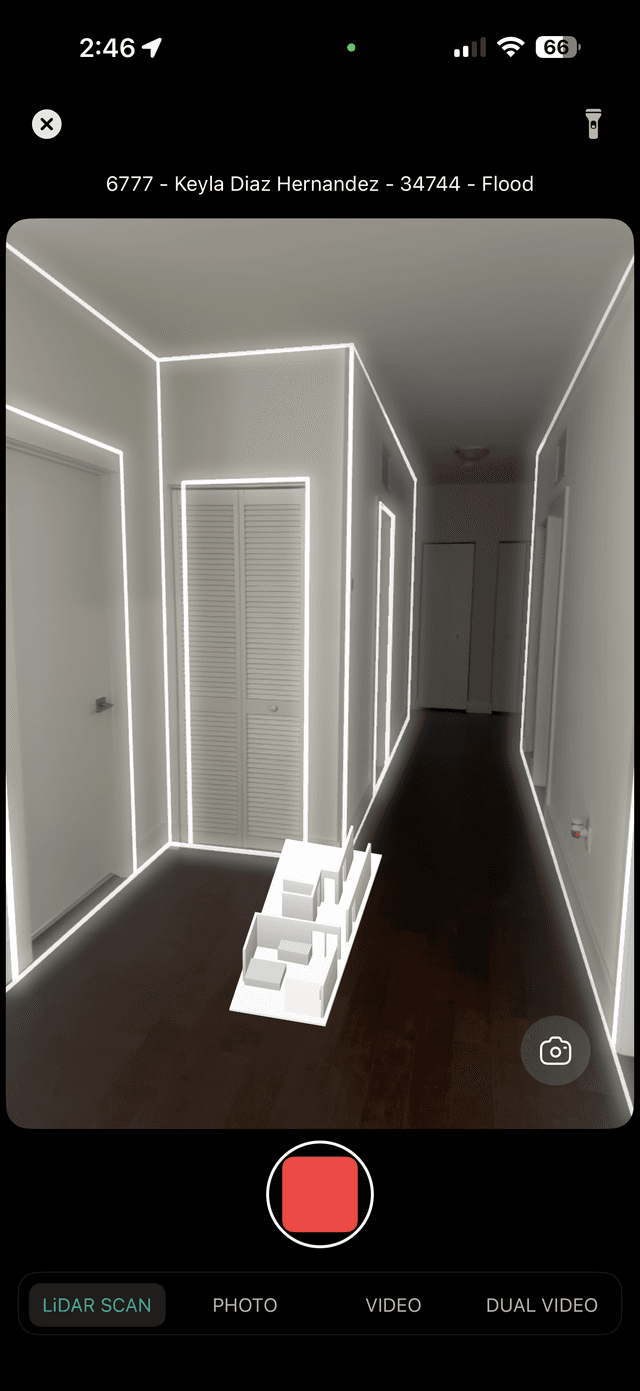
The Estimatics iPhone app uses the LiDAR scanner built into iPhone Pro and Pro Max models (and iPad Pro) to capture precise room geometry — walls, doors, windows, ceilings — in seconds.
- →Full 3D USDZ model of every room
- →Automatic 2D floor plan generated from scan
- →Wall, door, and window measurements auto-calculated
- →Derived quantities: area, perimeter, openings
- →Export PNG for estimating software
- →iPhone Pro and Pro Max only (iPhone 12 Pro and later), or iPad Pro (2020+)
“A water damage restoration contractor scans a flooded basement in 90 seconds. The floor plan is in the dashboard before they walk upstairs.”
Photos
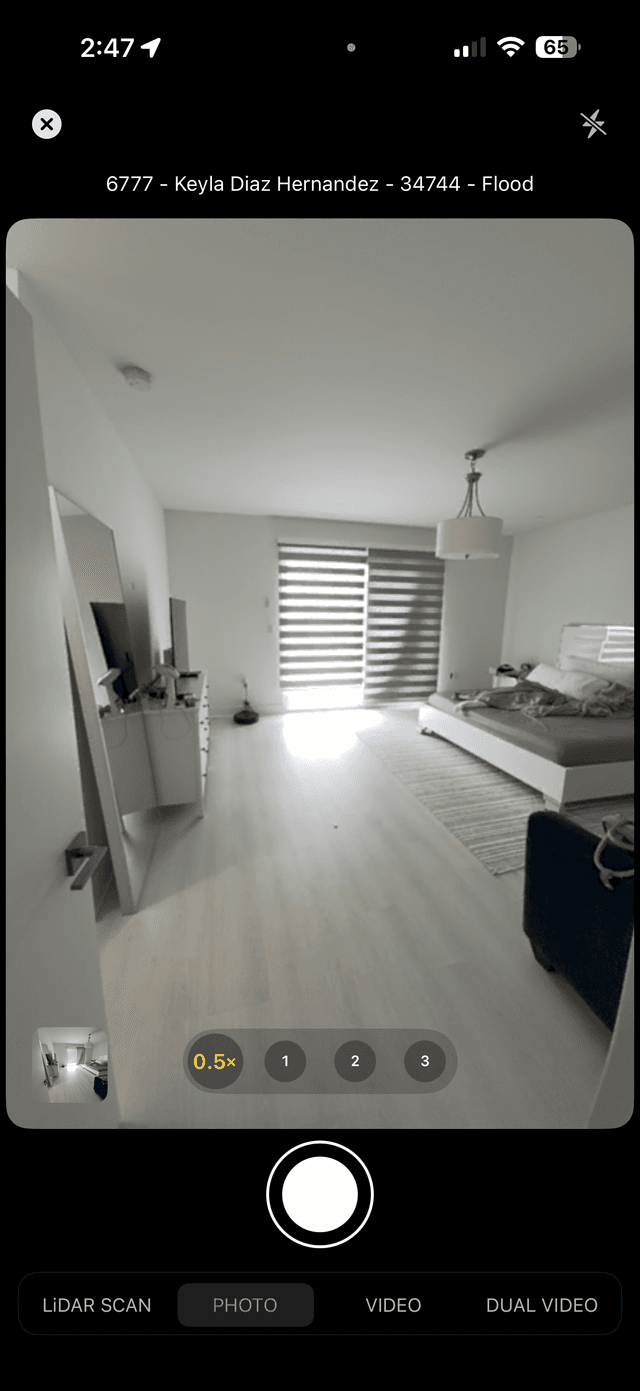
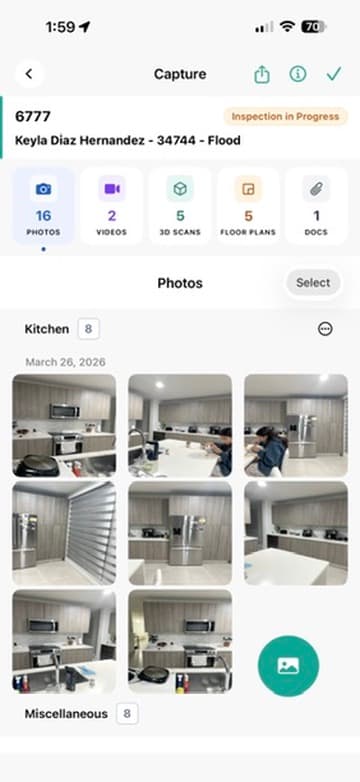
Every photo. Tagged. Timestamped.
Photos sync to the web dashboard in near real time. Your team sees the inspection as it progresses.
- →High-volume photo capture per job
- →Auto-tagged by area/room as you shoot
- →GPS coordinates embedded in every image
- →Timestamp metadata on every photo
- →AI analysis runs in the background on every photo
- →Manual photo + voice notes on every image
- →Photo markup & annotations for highlighting damage
“A public adjuster photographs 200 surfaces. By the time they’re back in the truck, the AI has already found 23 damage items and drafted the scope.”
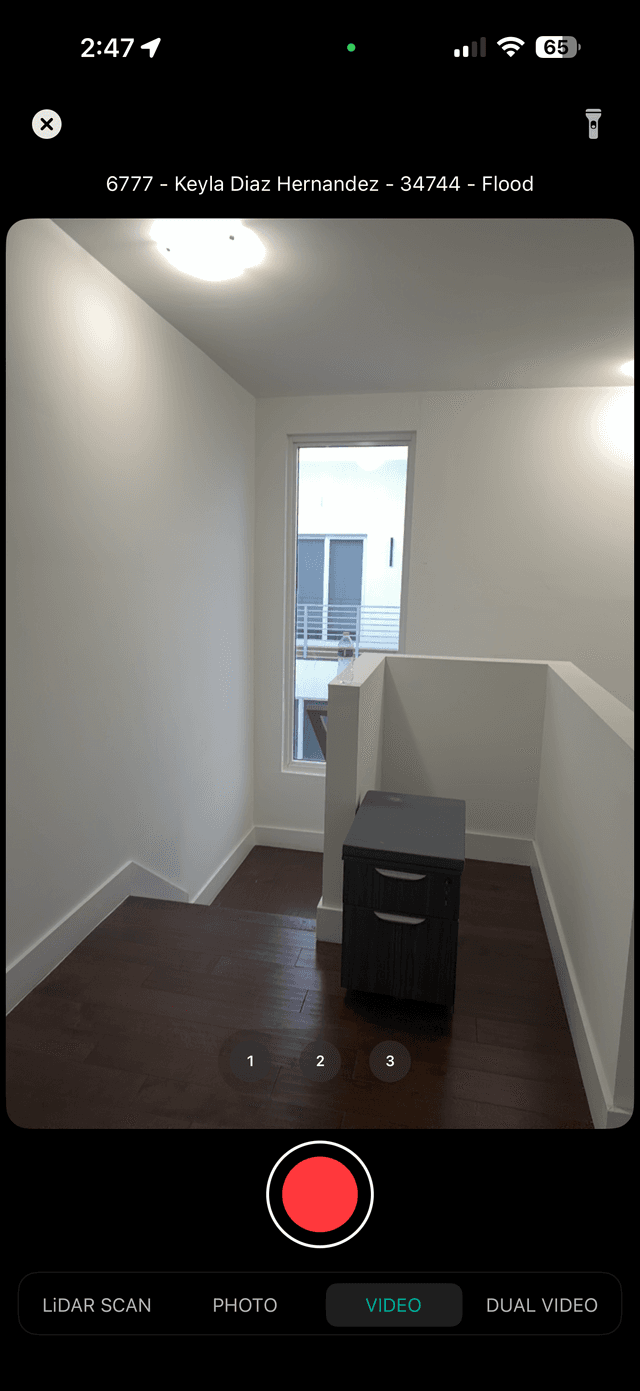
Video
Walk it. Talk it. Document it.
Record guided video walkthroughs of any property. AI Walkthrough™ extracts findings from your narrated video inspection.
- →FIELD plan: 5-minute video per job
- →SCOPE/CERTIFY: Extended 10-minute capture
- →AI Walkthrough™: guided inspection narration, on every plan
- →AI auto-extracts findings from walkthrough narration
- →Voice notes on every video segment
- →Sync to dashboard in real time
“A home inspector narrates the walkthrough as they go. The AI transcribes it and turns what they said into findings pinned to the photo in front of them.”
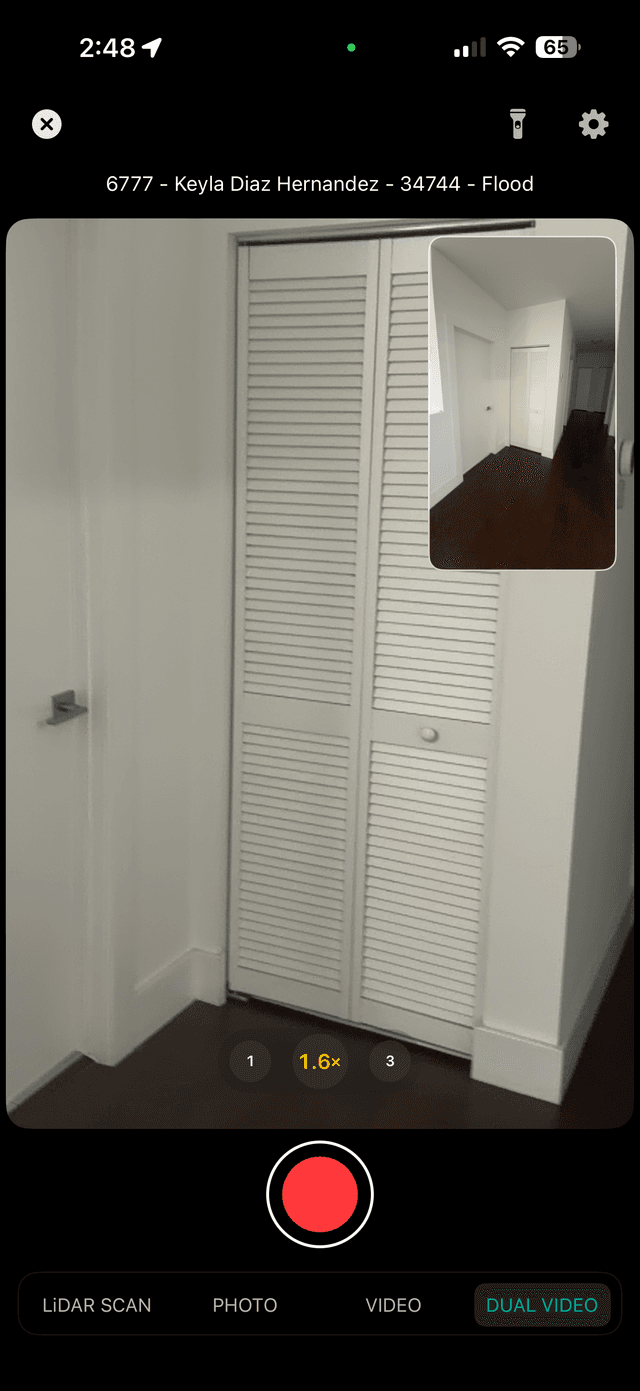
Dual Video
Two angles. Zero blind spots.
MultiCam Engine™ uses both the front and rear cameras simultaneously on supported iPhones — capturing the inspector’s hands AND the property surface at the same time.
- →Simultaneous front + rear camera recording
- →Inspector on camera narrating while capturing surface
- →Creates an unambiguous chain of custody record
- →Supported on: iPhone 13 Pro and later
- →Available on FIELD plan and above
- →Particularly valuable for CERTIFY evidence packages
“An attorney uses Dual Video to prove their PA was physically present at the documented location — eliminating "I wasn’t there" disputes.”
Everything included in FIELD
Capture
- Unlimited Jobs & Project Records
- Near-Real-Time Sync to the Web Dashboard
- Video Capture — 5 min/job
- Manual Photo & Voice Notes
- Photo Markup & Annotations
- Voice-to-Text (Speech Recognition)
- Multi-Photo Upload & Folder Organization
- Web Dashboard & CRM
- Real-Time Cross-Platform Sync (SyncEngine V3)
- AI Walkthrough™ — Guided Inspection Narration
- AI Photo Analysis on Capture
Geometry
- Interior — LiDAR / RoomPlan Scan
- Interior — Floor Plan 2D
- Interior — 3D USDZ Model
- Interior — Walls, Doors, Windows & Openings
- Interior — Derived Quantities (area, perimeter, openings)
- Interior — Export PNG
Analyze
- AI Photo Damage Detection — findings by type, severity and area
- Evidence Completeness Check
- Damage Findings — Manual Entry (in field)
Estimate
- AI Scope Generation™ — from photos & findings (unlimited items)
- Manual Quantity Input
- Edit / Add / Remove items from AI-generated scope
- Regional Pricing — a reference unit price for the property ZIP, with sources
- Pricing & Scope Confidence Indicator
Reports
- Damage Report
- Findings Report
- Geometry Report
- Custom Report — pick your own sections
- Versioned — every compose keeps the one before it
Available on SCOPE+
- AI Narrative — the Damage Findings report section
- AI Copilot
- Document Intelligence for non-policy documents
- Professional Branded Reports
- The Estimate, Analysis and Complete report types
- Extended Video (10 min, 4 GB)
Add-ons — pay per use
- Export — Xactimate (ESX)$10 per export
Exports are paid with prepaid export credits, purchased in the web app. CERTIFY includes 5 exports per user each month. Xactimate is a trademark of its respective owner; Estimatics is an independent product and is not affiliated with, sponsored, or endorsed by it.